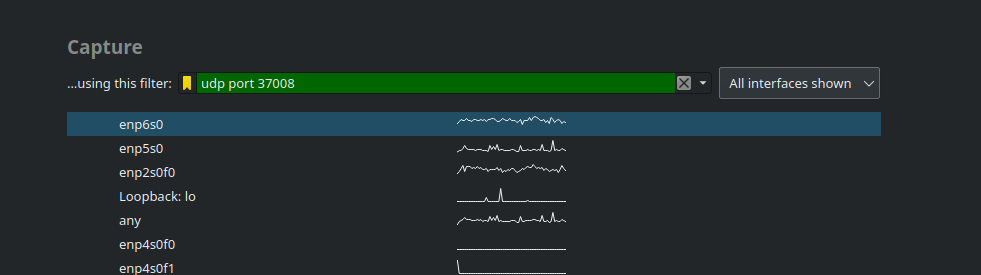
Remote TZSP packet capture.
- Prerequisites.
- Working Mikrotik connected to a port/resource you would like to sniff.
- A Linux-like host to receive the stream.
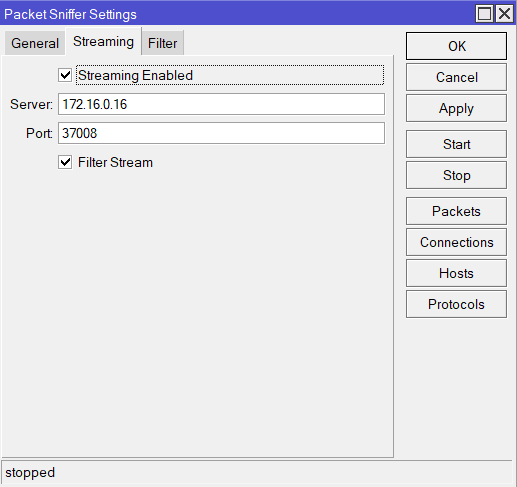
Using Winbox (it makes it so easy eh?) go to Tools->Packet Sniffer. There add a server to receive a udp stream as well as a destination udp port. Odds are you will want to filter the stream (to restrict the type of traffic you’d like to stream).
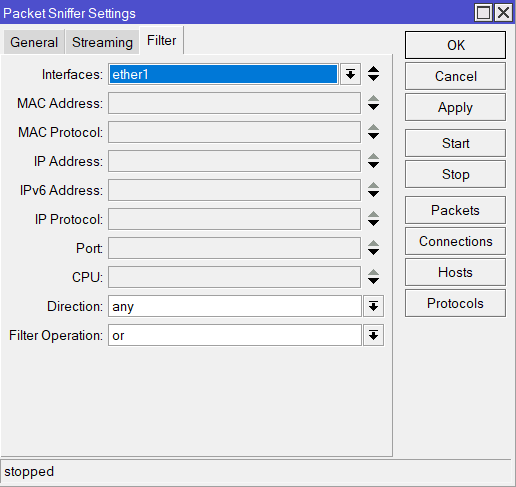
Enter any filters here to make the pile of straw you’ll have to sift though latter just a bit smaller.
On the target server with an account that has privileges’ on the specified port (usually anyone above 1024)
tcpdump -i ens18 -tttt 'udp port 37008' -w capture.pcapTo view in wireshark use a packet filter to properly handle the udp packets.