The last post covered getting Claude write access to this site through Easy MCP AI. The next obvious gap was images: every post here has been text-only, mostly because I never bothered setting up a source for them. Unsplash has an MCP connector for exactly this, so I hooked it up. It did not go straight through.
Connected, but not really
The connector showed as installed almost immediately, but calling it just returned a generic could not connect error. No useful detail, just a dead end. Turned out the OAuth handshake was stalling because my Unsplash account’s email had never been verified. Not something the connector UI surfaced. I confirmed the email, reauthorized, and the connector came back with an actual checkmark this time.
First real run
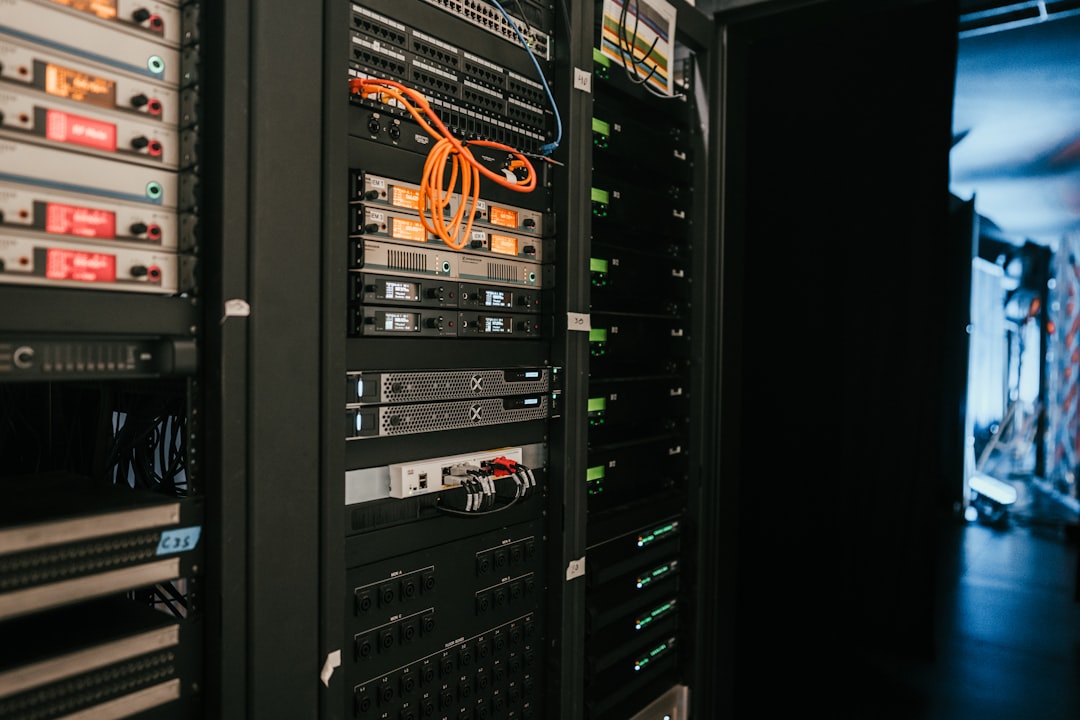
With the connector live, the tools showed up as expected: search photos, search illustrations, search collections, search users. I searched for something generic and homelab-appropriate, a server rack, and picked a result under a standard license rather than one of the entries demanding a specific attribution link back to the photographer’s site.
Pulling it into the media library with the upload-from-url tool failed on the first attempt: file type not allowed. Unsplash’s image URLs do not end in a file extension, they are just an ID with a query string, and the upload tool appears to infer file type from the URL path rather than the actual content type. Passing an explicit filename with a .jpg extension fixed it immediately. Second attempt uploaded clean, alt text and all.
Where that leaves things
Small saga, but a real one: a connector that looked broken for an infrastructure reason that had nothing to do with MCP at all, and an upload tool that needed a nudge on file naming to work with an external image host. Both are now filed away as known steps rather than mysteries. Image sourcing is officially part of the pipeline.
Leave a Reply